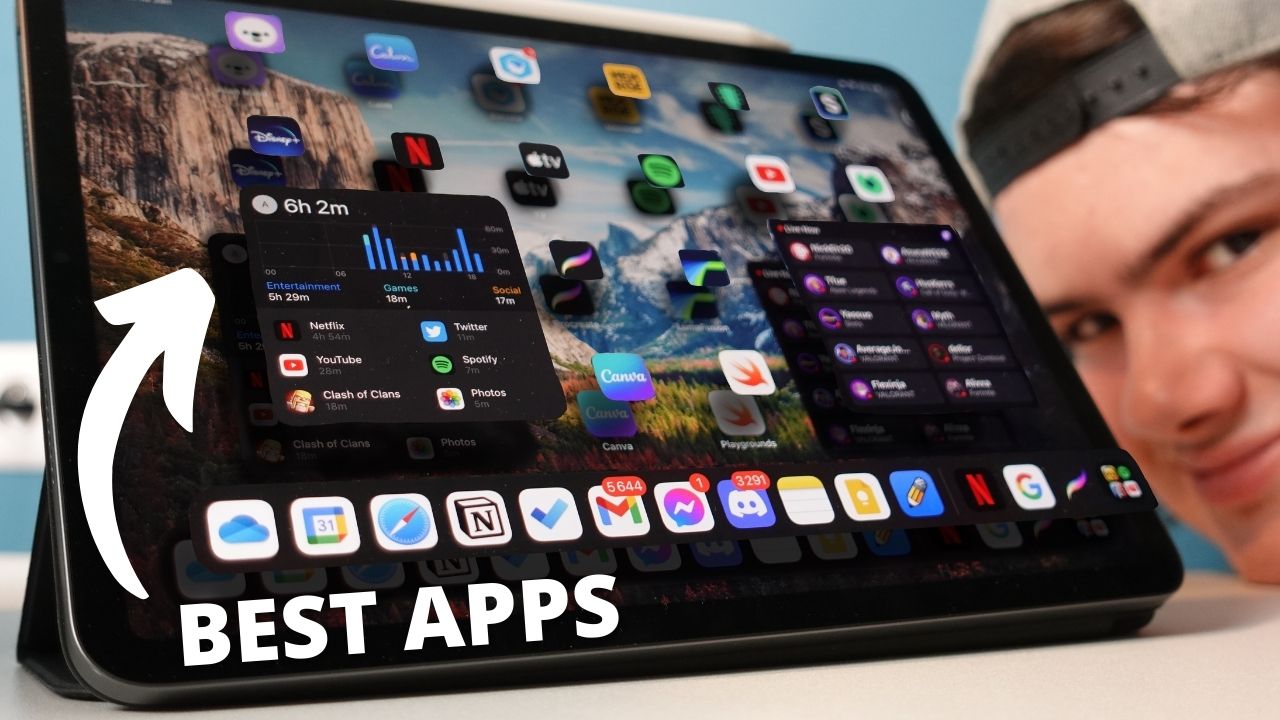
I’ve always (or at least for about half a year now) considered the iPad to be a mini entertainment unit. Its powerful processor, beautiful screen, amazing speakers and straightforwardness of the Apple Pencil make it a delightful device to use on a variety tasks. From messaging and video calls to editing videos for my YouTube channel.
I’ve had my iPad Pro M1 (2021) for more than 6 months now, so I’ve decided to look at what apps have been powering my love of using it on a daily basis. (quite the sentence, am I right)
Anyway, I came up with a list of the 10 apps that help me take advantage of the iPad and its key features (screen, processor, speakers, apple pencil, etc). I go into more details in my YouTube video that I made.
1. Notability – Take Notes

Notability is a note taking app. I use it primarily for taking notes at University using the Apple Pencil. For writing experience I’d recommend you get a “Paperlike” screen protector, but I should warn you that it gets damaged by the pencil.
This is not the only good note taking app on the iPad of course. Some of my other recommendations would be: OneNote, Apple’s “Notes” app, Evernote, etc.
2. Alan Mind – Journaling App
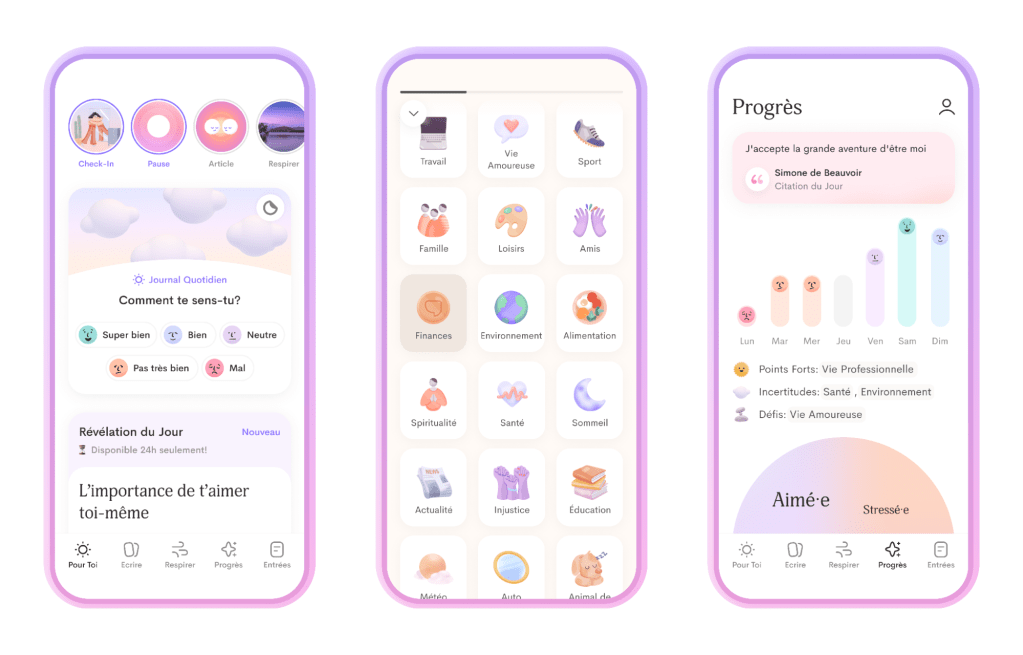
Alan Mind is a journaling app that I used for a while. It’s pretty, easy to use and offers some features that other apps just don’t (much better experience with a physical keyboard). Recently I switched to DayOne because it was simpler to use.
I recommend to anyone out there looking to improve anything in their life to try journaling as a mean of mindfulness and improving self-awareness (if you’re interested, check out my video on journaling).
3. Calm – For Meditation

Calm is a great app for meditation. The amazing speakers of the iPad really make it a pleasant experience to either meditate with it, or just use it to play some white noise.
I have a video where I speak more on meditation here.
4. Playgrounds – Learn Swift
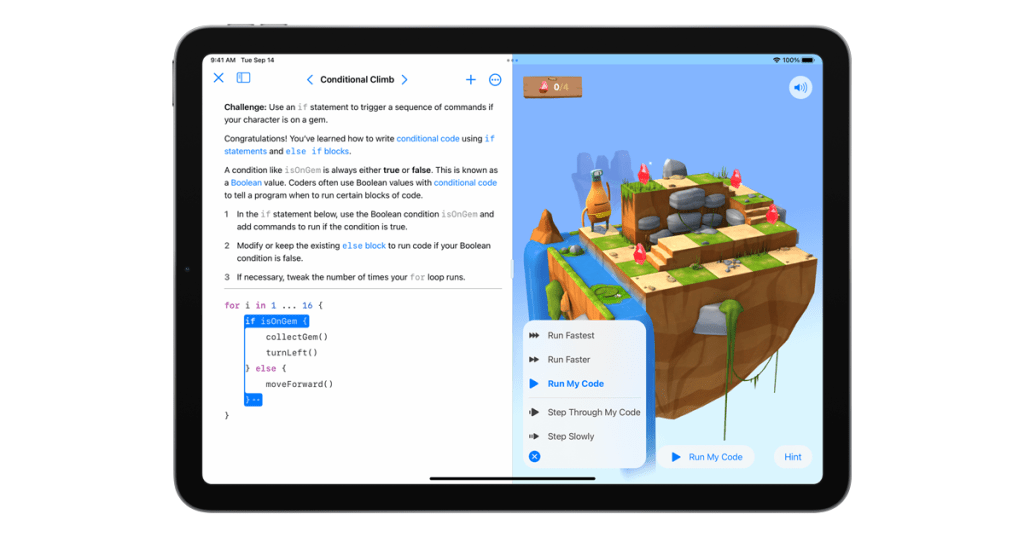
This is one of my favourite apps for the iPad, because of how easy to use it is to learn how to code in Swift. It makes it fun which is not something I can say for a lot of other coding apps out there.
And let’s be honest – knowing how to code can be beneficial to anyone(’s career).
5. Yousician – Learn music
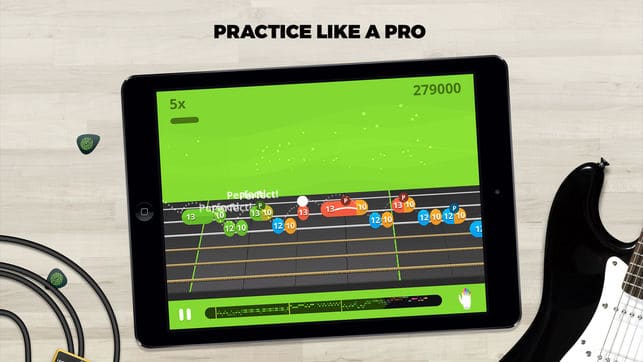
Yousician is actually available on any platform, but I put it on this list because of the fact that while the iPad has a bigger screen than my phone it’s more flexible than my desktop.
6. Memrise – Learn Languages
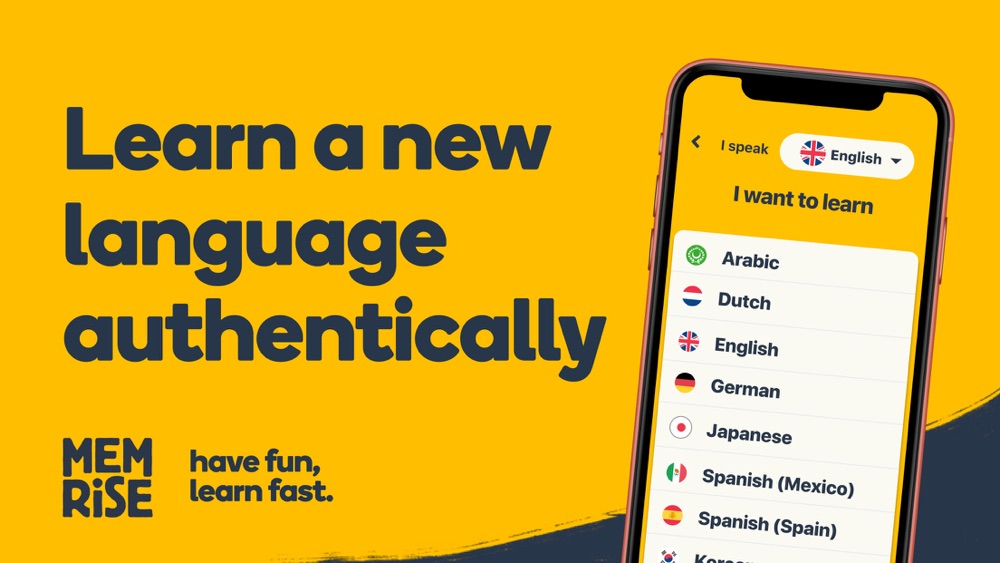
Memrise has two features that made me choose it. First of all, using speech-recognition it’s able to listen to you speak. Second, it teaches you languages by showing you bits and clips of natives speaking – which I found to be quite helpful.
7. LumaFusion – Video Editing

This app does not need an introduction. It’s a video editing app – arguably the best one for the iPad. It really takes advantage of the powerful processor.
That said, I’d recommend that if you do edit videos on an iPad, you start by trying iMovie and later decide whether you want to pay for something more.
8. Procreate – Drawing

Another app that doesn’t really need an introduction in relation to the iPad. Personally, for me this app is mostly for fun. I really like to draw, but I decided to buy it mostly for the animation component. It makes animation easy to understand and it’s just a joy to use.
9. Canva – Graphical work stuff
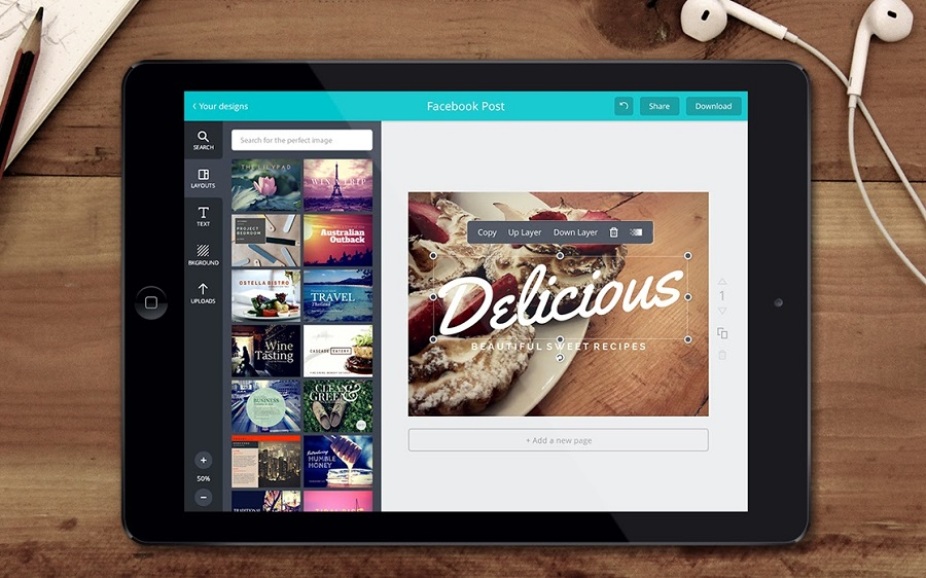
For those of you who don’t know – Canva is actually available on all platforms, even as a web based app.
The reason that I chose to put it on this list is because I sometimes draw or edit something on my iPad and then upload it to Canva from it. Then I can just open it on my Mac and continue the process from there. Easy peasy.
10. Entertainment Apps
Netflix. Spotify. Twitch. YouTube. Disney+. Other apps. These apps really take advantage of the iPad’s beautiful screen and its amazing speakers. Combine that with the fact that it’s extremely mobile and you can watch whatever you want whenever you want. Well that’s jus too good of a deal.
Anyway, that’s it for this list. Thanks for reading. ‘Till next time.
 August